How to prepare for an online doctor appointment
A little preparation can help your provider understand your symptoms, review your history, and decide whether virtual care is appropriate.
Symliphy Team · Written and reviewed by the Symliphy editorial team.
Published
Aug 4, 2026
Updated
Oct 12, 2026
Read
3 min
A virtual visit may take place from home, but it is still a medical appointment. Preparing your space, health information, and questions can make the conversation clearer and more useful.
Confirm how the visit will work
Review the appointment instructions before the scheduled time. Check whether you will receive a link by text, email, or patient portal. Some services require an app, an updated browser, or permission to use your camera and microphone. Complete any intake forms in advance so the provider can review your reason for visiting and important health history.
Test your internet connection, camera, speakers, and microphone. Charge your device or keep it connected to power. Sign in early enough to address a forgotten password or blocked camera setting. If the connection fails, use the support information provided by the telehealth service and find out whether the appointment can continue by phone.
Choose a private, well-lit space
Use a quiet place where you can speak openly about your health. Position the camera at eye level and face a light source so the provider can see you clearly. Avoid sitting with a bright window behind you. If you may need to show a rash, swelling, or another visible concern, wear clothing that allows you to expose only the relevant area.
Do not join a medical visit while driving. If you are at work or in a shared home, use headphones and tell others that you need privacy. A family member or caregiver may participate when helpful, but you should decide what you are comfortable discussing in front of that person. Children generally need to be present for visits about their symptoms.
Gather the information your provider may need
Write down when the symptoms began, whether they are improving or worsening, and what makes them better or worse. Include associated symptoms, recent illnesses, travel, injuries, exposures, and changes in sleep or appetite. A short timeline is often more useful than trying to remember every detail during the visit.
Have a current medication list available, including nonprescription products and supplements. Note medication allergies and any important medical conditions, surgeries, or recent test results. If you have relevant home readings, such as temperature or blood pressure, record when and how they were taken. Do not delay urgent care in order to collect measurements.
Prepare for a guided virtual exam
A provider may ask you to adjust the camera, move closer to the screen, take a deep breath, walk a few steps, press gently on an area, or describe what you feel. For a throat concern, good lighting and a flashlight may help. For a skin concern, the provider may ask for both a close view and a wider view showing where it is located.
Only perform movements that feel safe. Tell the provider immediately if an action causes significant pain, dizziness, weakness, or shortness of breath. A virtual exam has limits because the provider cannot directly listen to your lungs, feel an area, or perform certain tests. An in-person examination may still be recommended.
Leave with a clear next-step plan
Before disconnecting, confirm what the provider thinks should happen next. Ask whether you need testing, an in-person examination, follow-up, or monitoring at home. Make sure you understand which changes should prompt another appointment and which warning signs require urgent care. Request written instructions if they are available.
Telehealth is not a substitute for emergency care. Call 911 for severe trouble breathing, chest pain or pressure, new confusion, fainting, signs of stroke, uncontrolled bleeding, or another rapidly developing emergency. If the provider cannot safely assess your concern online, follow the recommendation for urgent or in-person evaluation.

From Symptom to Care, Faster!
Connect with a doctor online and get the care you need—fast, convenient, affordable, discreet and secure.
Explore Treatment OptionsFrom Symptom to Care, Faster!
Connect with a doctor online and get the care you need—fast, convenient, affordable, discreet and secure.
Explore Treatment OptionsWelcome to the Symliphy Ecosystem
Everything you need to live healthy. All in one place.

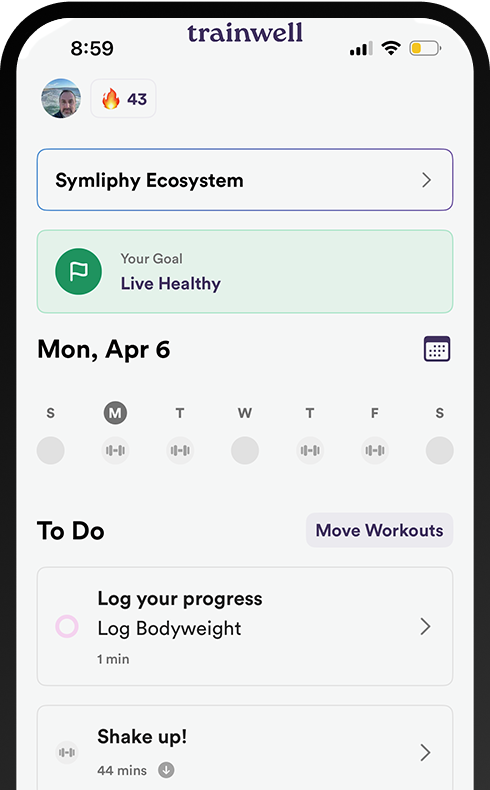
Symliphy Fitness
Workouts tailored to your level and goals.

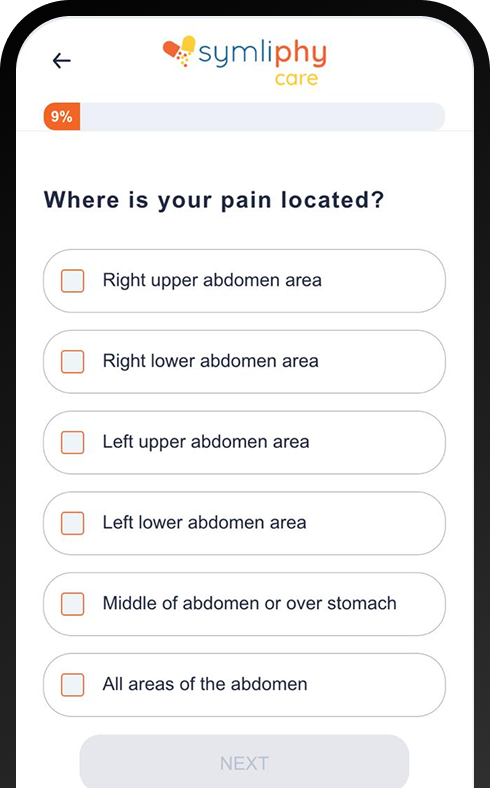
Symliphy Care
Professional guidance and health support.

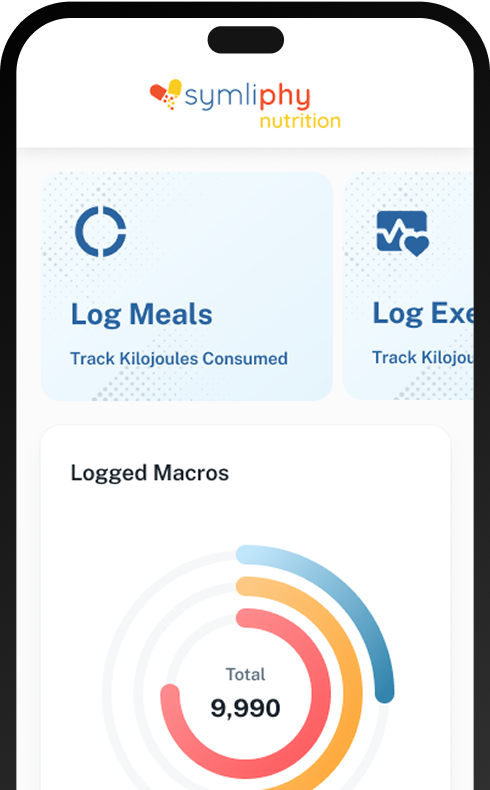
Symliphy Nutrition
Personalized meal plans developed by experts.
Symliphy Fitness
Workouts tailored to your level and goals.
Symliphy Care
Professional guidance and health support.
Symliphy Nutrition
Personalized meal plans developed by experts.
Save 10% or more when you bundle personalized fitness, care, and nutrition into one powerful plan.
$116.97
$129.97
Symliphy Fitness
Workouts tailored to your level and goals.
Symliphy Care
Professional guidance and health support.
Symliphy Nutrition
Personalized meal plans developed by experts.


Save 10% or more when you bundle personalized fitness, care, and nutrition into one powerful plan.
$116.97
$129.97

Be the First to Know
Stay informed with trusted healthcare tips, telehealth updates, symptom guides, and practical advice to help you make confident decisions about your health.
Related articles
Keep reading